About this course
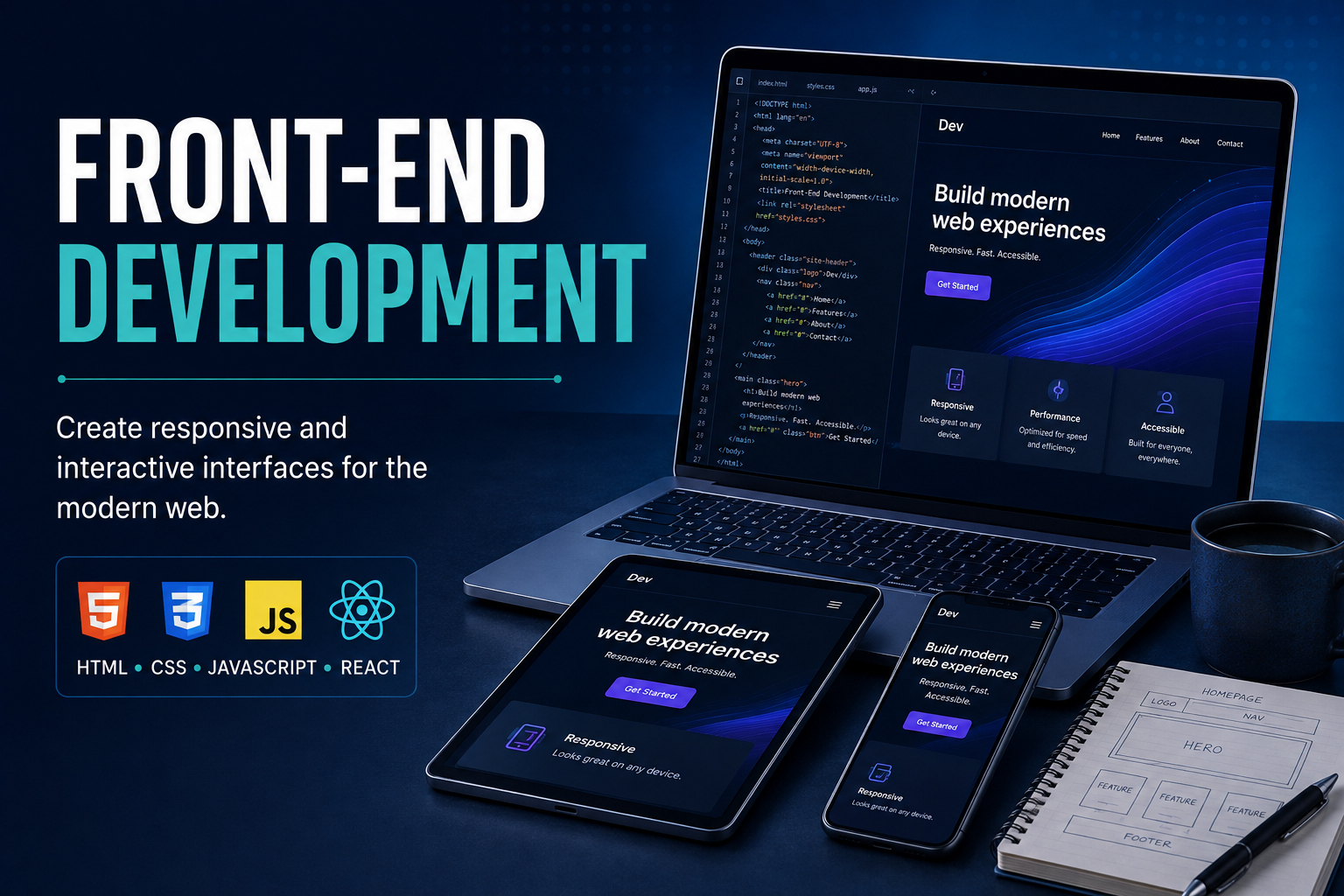
HTML, CSS, JavaScript, and modern front-end frameworks for building interactive interfaces. Across 12 modules you learn to build the layer of a product that people actually touch — from static markup through to a React application consuming live data.
This course goes deep on one layer rather than broad across the whole stack. If your interest is interface work — layout, interaction, state, performance, the craft of making something feel right to use — this is the focused route to it.
Is this the right track for you?
COMPLIT runs two front-end programmes and one broader stack programme. The distinctions:
- This course (classic front-end) builds every technique by hand. You write the CSS, you write the state logic, you debug it yourself. Choose this if you are starting out, or if you want foundations you can rely on for years regardless of which tools come and go.
- Front-End Developer with AI covers the same territory with AI coding assistants woven through every project. Choose that if you already have some programming exposure and want to work at the speed most teams now expect.
- Full Stack Development extends past the interface into APIs, databases, authentication, and deployment. Choose that if you want to build whole products rather than specialise.
What you will build
Projects run throughout. You build responsive layouts from scratch before reaching for a framework, then rebuild faster with Bootstrap or Tailwind so you understand what the framework is doing for you. You make pages interactive with vanilla JavaScript and the DOM, then move to React and construct component-driven interfaces with real state.
The final project is a complete front-end application consuming a live API, with managed state, handled loading and error conditions, and a responsive layout that holds up on a phone.
Course curriculum
Markup, layout, and responsive design
- HTML & CSS Fundamentals
- Responsive Design with Flexbox & Grid
- CSS Frameworks (Bootstrap/Tailwind)
Frameworks come third, not first, so you can read what Bootstrap or Tailwind generates instead of trusting it. When a layout breaks in production, that distinction is the whole difference.
JavaScript and the browser
- JavaScript Fundamentals
- DOM Manipulation & Events
- ES6+ & Fetch API
- Git & GitHub
You make pages interactive with plain JavaScript before any framework appears. Version control arrives here, so every project from this point is committed and pushed the way it would be on a team.
React
- Intro to React
- React Props & State
- React Hooks & Forms
- API Integration & State Management
- Final Project — Full Front-End Application
Forms get a module of their own because they are where most real front-end complexity actually lives — validation, controlled inputs, error states, and accessibility.
Technologies you will work with
HTML5, CSS3, Flexbox and Grid, Bootstrap and Tailwind, modern JavaScript (ES6+), the DOM and browser event model, the Fetch API, React with props, state, hooks, forms and routing, client-side state management, and Git with GitHub.
By the end of this course
- Build responsive, accessible layouts without depending on a framework to think for you
- Use a CSS framework deliberately, and know when not to
- Write JavaScript that manipulates the DOM and consumes APIs
- Structure a React application with sensible component boundaries
- Handle forms, validation, loading states, and errors properly
- Work with Git and GitHub the way a team does
- Ship a complete front-end application backed by live data
Related courses at COMPLIT
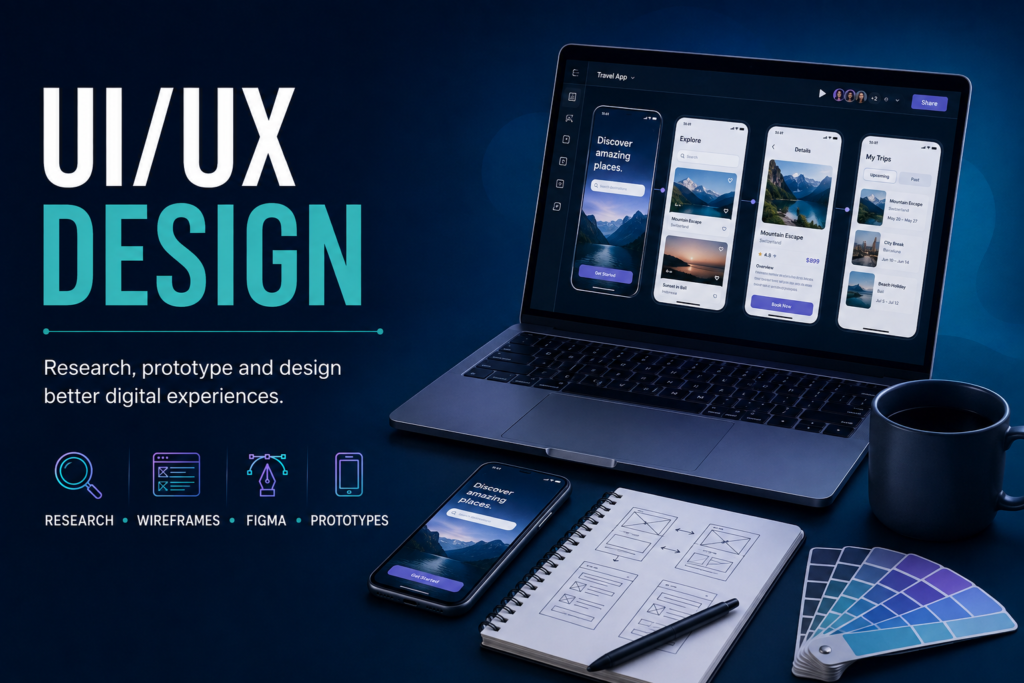
To design the interfaces before you build them, see UI/UX Design. To extend past the browser into servers and data, see Backend Master and Database Architecture & Design.
Browse everything on the COMPLIT courses page, or get in touch if you are unsure which track fits you.