
About this course
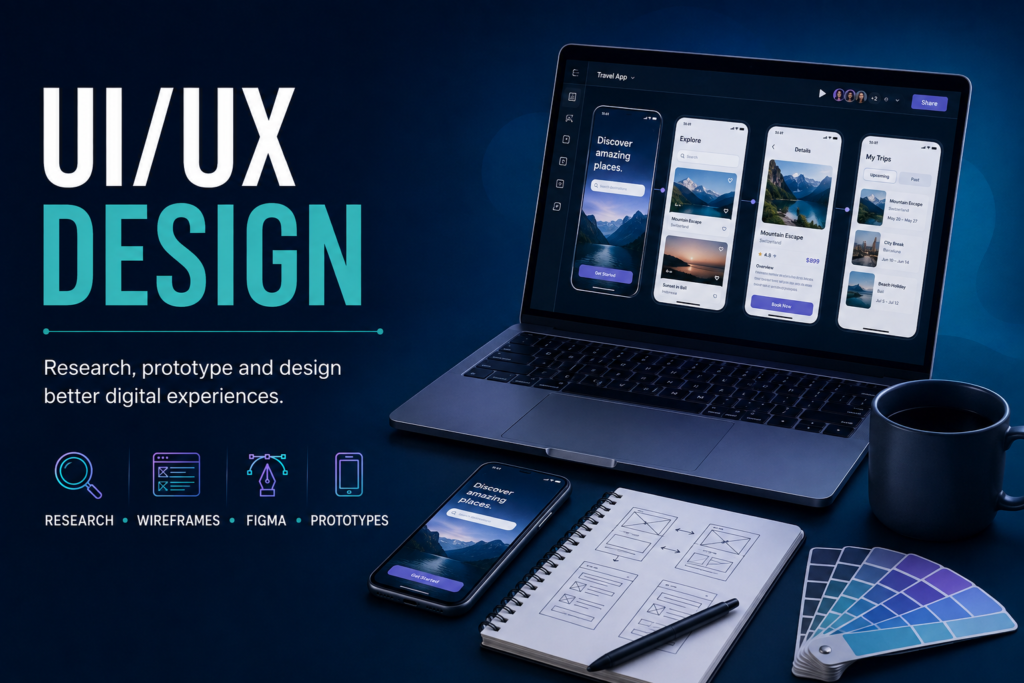
User research, wireframing, prototyping, and visual design for web and mobile products. Across 12 modules you learn to design interfaces that people can actually use — starting from evidence about real users rather than from a blank canvas and a colour palette.
The course treats UI and UX as one continuous discipline. Research feeds information architecture, architecture shapes wireframes, wireframes become prototypes, and prototypes are tested with real people before anything is made to look finished. Visual polish is taught, but it arrives after structure, because an attractive interface built on the wrong model is still the wrong interface.
Who this course is for
- Beginners with no design background who want a methodical route into product design
- Developers who can build interfaces but want to make better decisions about what to build
- Founders and small business owners who need to brief designers well, or design early product screens themselves
- Graphic designers moving from print or brand work into digital product design, where interaction and usability matter as much as composition
What you will produce
You build a portfolio as you go, not at the end. Research plans and interview findings, personas grounded in actual responses, journey maps, sitemaps, low-fidelity wireframes, a working component library, an interactive prototype, and documented usability test results.
These come together in a complete UX case study — the single most useful artefact in a design portfolio, because it shows your reasoning rather than just your output. Most junior portfolios show finished screens. Very few show why those screens look the way they do, which is exactly what hiring managers are looking for.
Course curriculum
Understanding users
- Introduction to UI/UX & Design Thinking
- User Research Methods
- Personas & User Journey Mapping
Research comes first because it is what separates design from decoration. You learn how to run interviews without leading the answer, and how to turn raw responses into personas and journey maps that a team can genuinely make decisions from.
Structure before surface
- Information Architecture & Sitemaps
- Wireframing Fundamentals
Information architecture is where most usability problems are either created or avoided. Wireframing deliberately stays low-fidelity so that conversations stay about structure and priority rather than about colour.
Tools and visual craft
- Figma Basics
- Visual Design Principles
- Design Systems & Component Libraries
Figma is introduced as a tool in service of the process, not as the subject itself. Design systems are covered as a practical skill: building reusable components with consistent spacing, type, and states, so that a product stays coherent as it grows and hands over cleanly to developers.
Prototyping, testing, and delivery
- Prototyping & Interaction Design
- Usability Testing
- Mobile-First & Responsive UX
- Final Project — Complete UX Case Study
Usability testing is where assumptions meet reality, and it is the module that most changes how people design afterwards. Mobile-first is treated as the default rather than an adaptation, which reflects how most users in India reach a product in the first place.
Tools and methods you will work with
Figma for wireframing, visual design, component libraries, and interactive prototyping. Research methods including user interviews, surveys, and moderated usability testing. Artefacts including personas, journey maps, sitemaps, user flows, and design systems. Responsive and mobile-first layout principles across breakpoints.
By the end of this course
- Plan and run user research, and turn findings into decisions rather than slides
- Structure a product’s information architecture so that people can find what they need
- Move confidently from wireframe to interactive prototype in Figma
- Build and document a reusable design system
- Run a usability test and act on what it reveals, including when it contradicts you
- Design mobile-first across breakpoints rather than shrinking desktop layouts
- Present a complete case study that explains your reasoning end to end
Related courses at COMPLIT
If you want to build the interfaces you design, Front-End Development and Full Stack Development follow on naturally. For the communication side of design work — presenting and defending your decisions to clients and stakeholders — see Communications.
Browse everything on the COMPLIT courses page, or get in touch if you are unsure which course fits where you are now.